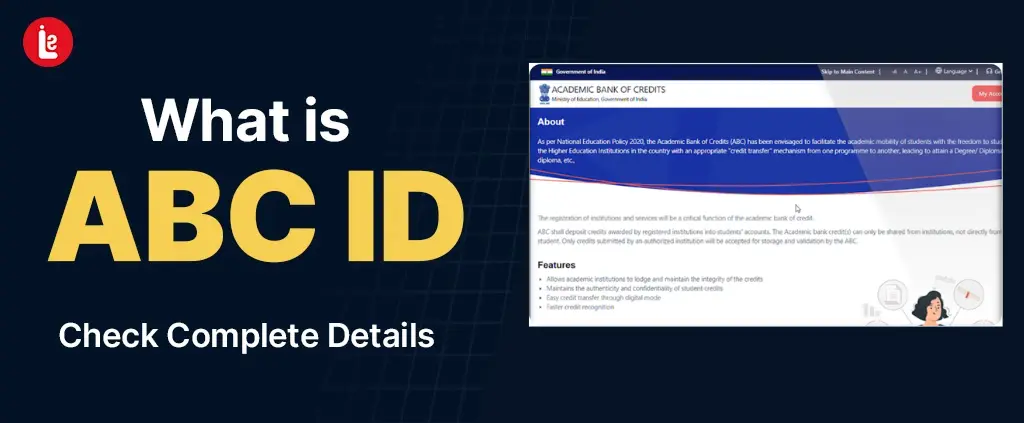
Storing and keeping a record of your academic performance and marksheet is always a headache, isn’t it? Whether in primary or higher education, students always find it difficult to organize their academic journey.
To solve this issue, the Ministry of Education (MoE) and UGC have launched the Academic Bank of Credits ID to support the National Education Policy (NEP) 2020 initiative. It helps you to store and maintain academic credits across various institutions or universities with just a click.
The historic initiative in the Indian education system provides remarkable benefits for students like you, and the MoE aims to improve the Gross Enrolment Ratio (GER) with ease.
You might have scrolled through multiple pages, but are still confused. Don’t worry, this article will be in the simplest way possible under a single page. We will guide you with detailed information on the ABC ID, key features, benefits, and easy steps to create or restore.
What is ABC ID? A Quick Overview
ABC ID full form is the Academic Bank of Credit, a revolutionary scheme by the MoE and UGC to manage their academic journey with just a click. It is a 12-digit unique ID for students and educational institutions that ensures seamless credit transfer.
This unique ID stores certificates, marksheets, degrees, training details, and other curricular achievements under a single portal. With every course, you receive academic credit from the respective institutes through the National Academic Repository.
It connects students' Digilocker with the National Academic Depository (NAD) to serve as permanent storage of the academic credits & journey. Additionally, it allows institutes to access these documents with the student’s consent.
Is It Compulsory To Have an ABC ID?
In short, yes! The UGC and MoE, under the NEP 2020 initiative, make it mandatory for every student pursuing higher education. As per the latest guidelines, every institution and university makes it mandatory to attach the student’s Academic Bank of Credits ID during the admission process.
This digital ID is compulsory under the MoE’s “One Student, One ID” to track, manage, secure, and transfer academic records in a digitally accessible format. Additionally, it is also mandatory for examination, scholarship, and fellowship grants. Students also need to interlink their APAAR ID for a seamless credit transfer between institutions.
In case you don’t have one yet, you can create this ID card using Digilocker, UMANG, and its official portal using the step-by-step guide mentioned in this article.
How does the ABC ID work?
The Academic Bank of Credit helps students and institutions to transfer key documents and performance metrics. It acts as a lifelong single wallet for academic credits through an easy, flexible, and secure directory of higher education.
The simple process of how an Academic Bank Transfer ID card works is as follows:
ID Creation
The first step is to create your Academic Bank of Credit ID on Digilocker, UMANG, or its official portal. You just need to fill out a simple application and link it with your Aadhaar to get started.
Store Credit
The 12-digit identity value in the ABC ID stores is unique academic data for each student. You can fetch your academic credits, mark sheet, training certificates, and extracurricular activities.
Additionally, institutions or universities can easily deposit the credit, track progress, and manage it for the respective student from their end.
Easy Credit Transfer
If you are pursuing a higher degree, switching universities, or taking multiple credits, it allows seamless transfer with just a click. It also helps you manage, secure, and download the Academic Bank of Credits account card from anywhere.
Redeem Credit for Any Program
Once the academic credits are deposited, you can redeem them to use in another course or program. Whether you have earned it through a single or multiple courses, it allows you to store and redeem academic credits for your next program.
What are the Benefits of Academic Bank of Credits?
Some of the key benefits of creating the Academic Bank of Credit ID cards are:
- Secured Academic Record Management: It provides you with a secure Digilocker wallet to store, transfer, and track your academic credits without fear of losing your key credentials.
- Seamless Credit Transfer: It helps students and institutions ditch lengthy paperwork and transfer academic certificates and credits with just a click.
- Life-time Validity: It comes with a lifetime validity, which means you can track, manage, transfer, or utilize the ABC ID card download PDF options anytime you want.
- Admission and Job Authentication: It helps students with a quick academic verification and admission process. As this ID is issued by UGC, the institution and employer can verify documentation and other related information for job authentication.
How to Create an ABC ID Card? Step-by-step Guide
You can create an Academic Bank Transfer using multiple methods, including Digilocker, Umang portal, and the official portal. The step-by-step guide for the Academic Bank of Credits ID creation is given below:
Digilocker:
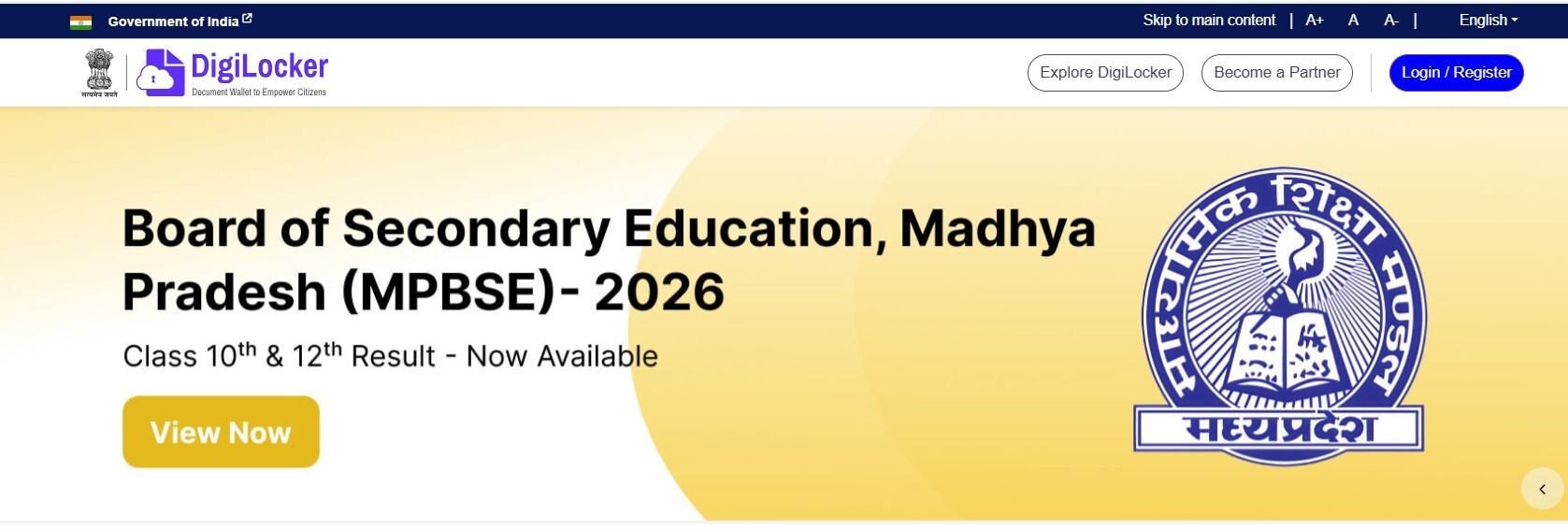
- Visit the Digilocker web portal or download the App
- Sign up or log in using your Aadhaar or mobile number
- Verify using OTP and 6-digit PIN
- Search Academic Bank Transfer
- Select the ABC ID Card button
- Fill in the form with the required information, such as name, gender, academic year, identity type, and select your institution or university.
- Click on the Get Document option and verify consent
- Your Academic Bank of Credits account will be generated
- Download the ABC ID card and save it for later
Umang:

- Download the Umang app or visit its official website
- Log in using your mobile number and m-pin
If you are a new user, sign up using simple information, your mobile number, and create an MPIN - Search Academic Bank Transfer”
- Click on the issue documents
- Fill in academic year, identity type, registration/enrollment number, and select your institution or university.
- The page will automatically generate the Academic Bank of Credits ID card.
ABC official Portal:
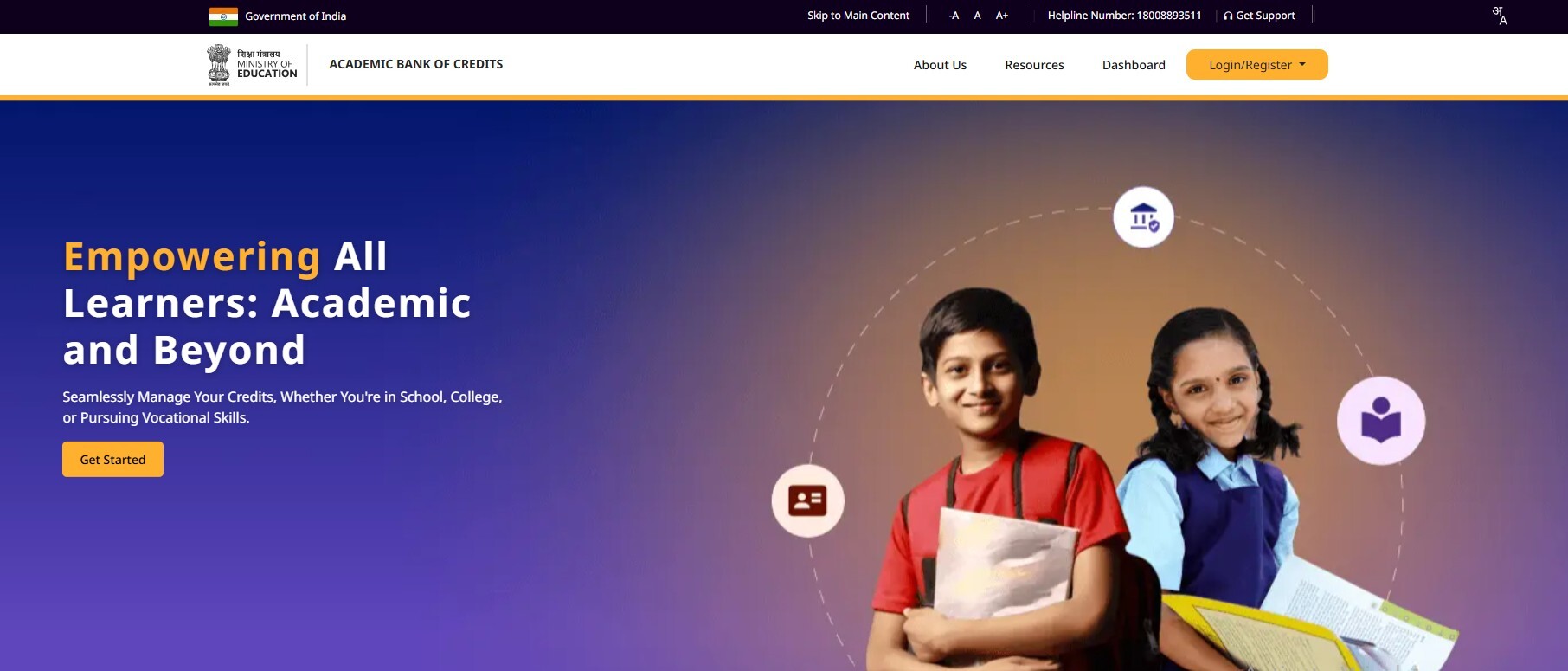
- Visit the official website of the Academic Bank Transfer
- Click on login/register, and select the student option
- Log in, or sign up for your Digilocker account using MPIN, Mobile, or Aadhar
- Verify with MPIN and OTP
- Click on “Meri Pehchaan Dashboard”
- Hit the submit button, and your ABC ID card will be generated
- Download it and save for later use
Conclusion
The UGC, under the initiative of NEP-2020, has launched the Academic Bank of Credit ID for seamless credit transfer between institutions and different courses. It provides a secure wallet for storing, transferring, and managing academic credits with ease, eliminating the lengthy documentation process.
The 12-digit identity value in the ABC ID holds, accumulates, and stores your key academic record with lifelong validity. Every student must create this ID for a seamless admission process, credit transfer, and authentication.